
Georgia VINE in Quitman County
Georgia VINE through VINELink provides a statewide way to look for a person and register custody-change notifications. The Georgia page offers round-the-clock support for locating an offender, registering for alerts, or reaching services. Access may be through phone, the web, or mobile tools, depending on the option offered by Georgia’s interface.
Quitman County does not have a separate county-branded SAVIN page identified in the research. The local layer is the statewide Georgia service. That makes VINE useful because no public Quitman County jail roster or recent-release feed was captured. It remains a supplement. The sheriff keeps the local jail commitment and discharge record.
The live Georgia interface is the starting point for a one-person check.

Search Quitman County VINELink
Use identifying facts to reduce false matches. Names may be entered differently across agencies, and a middle name or birth date can separate people who share a common name. The fields shown vary with the source feed.
- Open Georgia VINE or VINELink.
- Select Georgia if the national interface first asks for a state.
- Search by the person’s name or identification number where supported.
- Use date of birth, middle name, sex, race, or agency detail when available to distinguish records.
- Open the matching record and read the current custody status and agency.
- If no match appears, test spelling and known aliases before moving to other official systems.
Do not stop at a name match. Compare the agency and available personal details. Quitman County’s seat is Georgetown, while the City of Quitman is in Brooks County, so a location label can prevent a county mix-up.
Quitman County VINELink Fields
VINELink presents information supplied by participating agencies. The exact labels are not uniform across every record. A result may include some of the following items.
| Field | How to read it |
|---|---|
| Name and identifiers | Use them to confirm the correct person. |
| Custody status | May state in custody, released, not in custody, transferred, or another feed-specific label. |
| Custody agency | Identifies the office whose data supports the status. |
| Facility | May show where the person is held when supplied. |
| Event or update date | Shows when a reported custody event was recorded, not necessarily when every system updated. |
| Notification option | Lets an eligible user register for available alerts. |
Read the full status. “Transferred” is not the same as “released to the community.” “Not in custody” may only describe that agency. The person could be under another authority or under community supervision.
Register Quitman County Alerts
Notifications reduce the need to repeat a manual search. Available methods may include phone, email, text, TTY, or an in-app alert, depending on the options offered by Georgia VINE at registration. Contact details must be accurate.
- Find and open the correct person’s Georgia VINE record.
- Select “Get Notified” or the equivalent registration control.
- Choose an offered notification method.
- Enter the required phone number, email address, or other contact details.
- For a phone alert, create a four-digit PIN if prompted.
- Save the registration and keep the PIN private.
- When a notification call arrives, enter the PIN as instructed to confirm receipt and stop repeat calls.
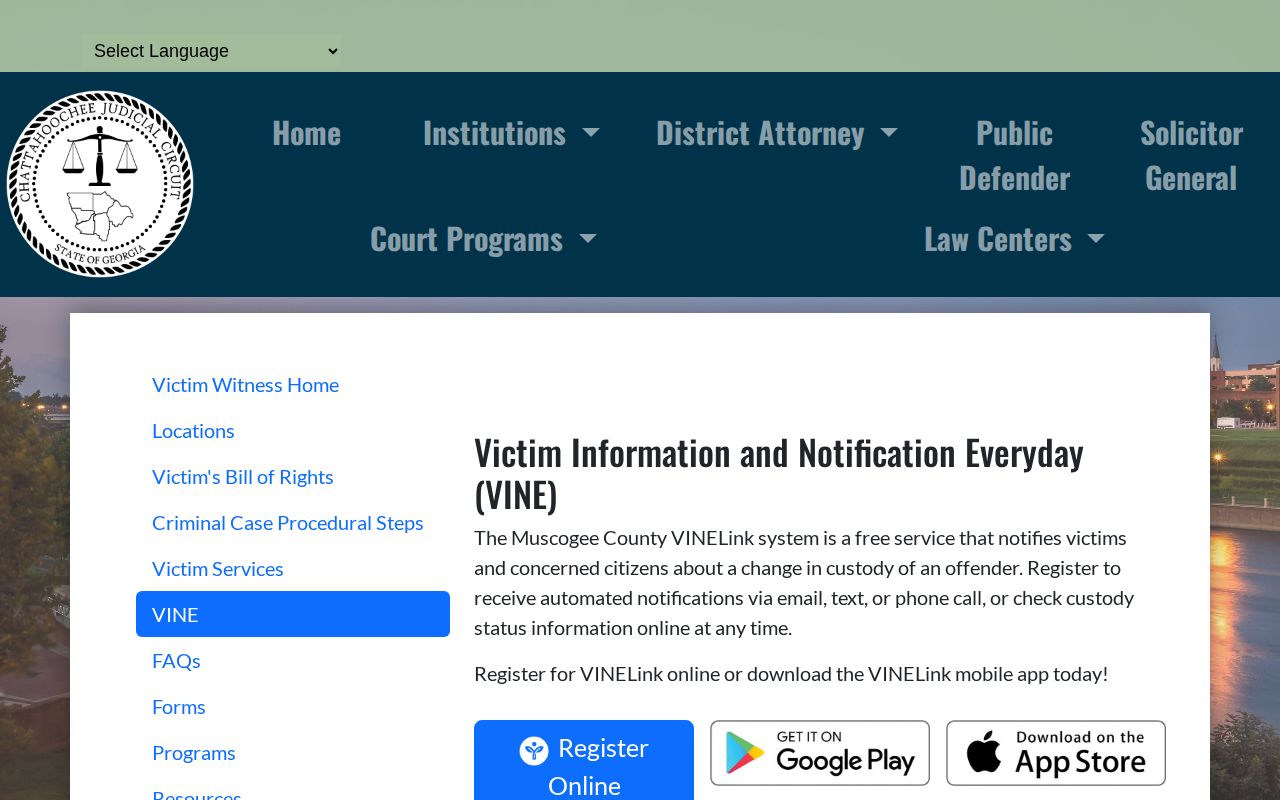
A Georgia judicial-circuit VINE explanation states that the four-digit PIN verifies receipt of a phone notification. It also explains that calls may continue until the PIN is entered. The PIN is an acknowledgment tool, not a jail or court identifier.
The state explanation provides useful context for phone registration.
Statewide Quitman County Notifications
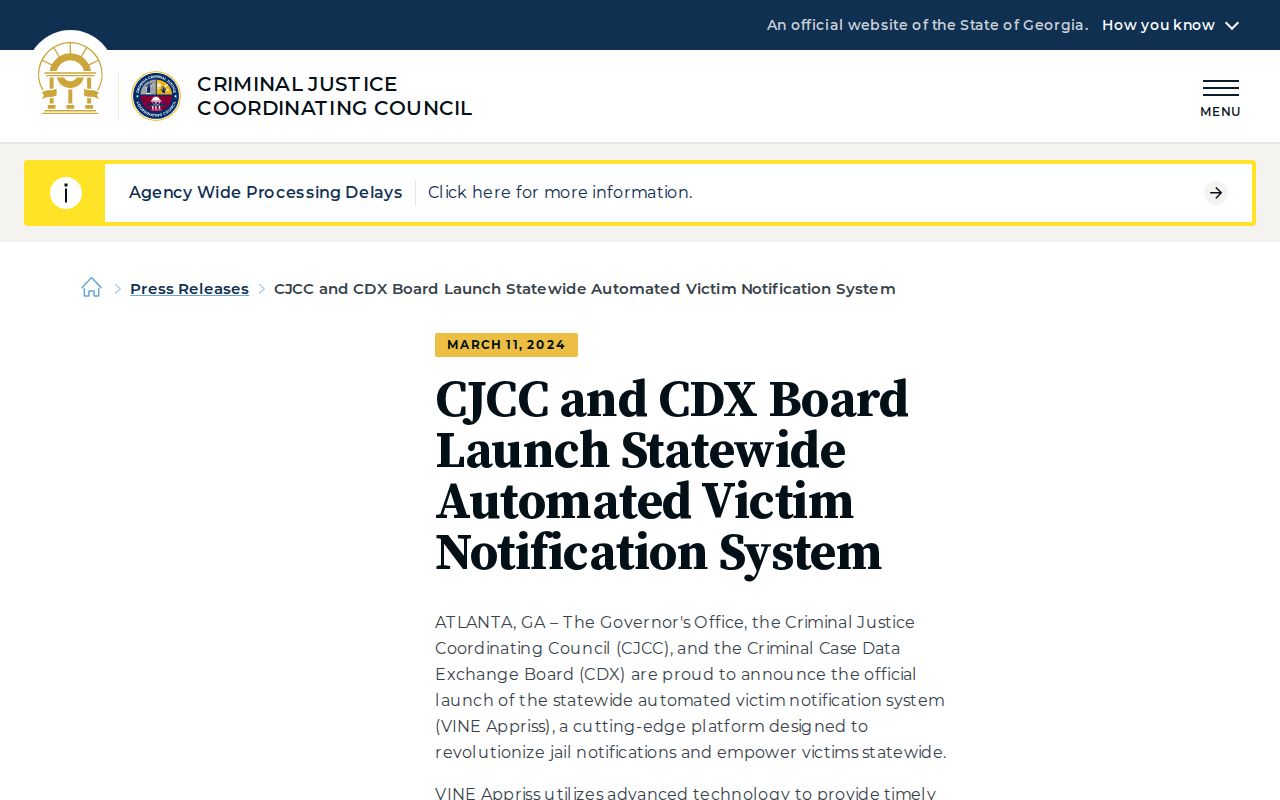
The local distinctive feature is statewide coverage rather than a unique county portal. The Georgia Criminal Justice Coordinating Council’s 2024 announcement describes statewide automated notification through VINE and Appriss. It highlights real-time notifications, phone, online and mobile access, multilingual support, a user-focused interface, and 24-hour availability.
“Real-time” describes the notification system’s design. It does not guarantee that every source agency submits each Quitman County event at the instant it occurs. The originating agency’s data practices still matter.
The CJCC announcement documents Georgia’s statewide notification layer.
Verify Quitman County Release
A VINE alert reports a custody change. It is not the final legal release record. Match the event to the office responsible for that form of custody.
| Custody path | Confirmation source | Record to seek |
|---|---|---|
| Quitman County jail | Quitman County Sheriff’s Office | Commitment and discharge record |
| Georgia state prison | Georgia Department of Corrections | Current status and actual release date |
| Parole | Board of Pardons and Paroles, then DCS | Parolee status and supervision details |
| Federal prison | Bureau of Prisons | BOP location or release status |
| Immigration custody | ICE | Eligible ODLS custody result |
For a local discharge, call the sheriff at 229-334-3739. Georgia law requires the jail record to include the discharge day, discharge order, and issuing court. The Quitman County released-inmate search explains how to trace a person across the sheriff, GDC, court, parole, and federal channels.
Missing Quitman County Results
No result does not prove release. The person may be listed under another spelling, held in another county, outside a participating feed, recently transferred, or moved into GDC, BOP, or ICE custody. Data may also fall outside the search window shown by the interface.
Use a disciplined fallback chain. First test spelling, middle names, and aliases. Next call the Quitman County Sheriff if local custody is plausible. Check GDC Find an Offender for a state-sentence record. Review the issuing court when a bond, dismissal, sentence, or transfer order may explain the jail exit. Use BOP or ICE only for the correct federal custody type.
Released Versus Still Held
A current-custody system answers where someone is held now. A release record answers when and under what order a specific agency discharged the person. VINELink can bridge those questions by reporting a status change, but it does not turn an alert into the underlying jail or prison record.
- Custody status
- The person’s reported relationship to the agency supplying the feed.
- Release
- An exit from that agency’s custody, which may be to the community.
- Transfer
- A move into another agency’s custody.
- Discharge
- The recorded end of custody by a particular jail or corrections agency.
- Notification
- An alert about a reported event, not the official event record itself.
If the question concerns everyone who left the local jail today rather than one named person, use Jail Releases: 24 Hours. Quitman County has no captured public same-day feed, so that path starts with the sheriff.
Quitman County Alert Safety
Keep the registration PIN private and update contact details when they change. An alert may arrive at a stressful time. Read the stated event and agency before acting on it. If immediate safety help is needed, contact the proper emergency or victim-service office rather than relying on a web status alone.
Georgia VINE is built for custody information and notification. The service does not decide release, parole, or court outcomes. The Quitman County Sheriff, GDC, the parole board, DCS, and the courts remain responsible for their own records and actions.
Manage Quitman County Alerts
Save enough registration detail to know which person and event the alert concerns, but protect the PIN and contact information. If notices stop, return to the person’s record and confirm that registration remains active. A changed phone number or blocked email can prevent delivery even when a feed reports an event.
More than one alert may help when a person can move between agencies, but each registration depends on coverage. Do not assume a county registration follows a person into federal or immigration custody. Use the receiving system when a transfer is confirmed.
After an alert, note the event time, agency, and wording. Those facts make a follow-up call precise. Ask the responsible office for the supporting record rather than asking VINE to interpret a court order.